
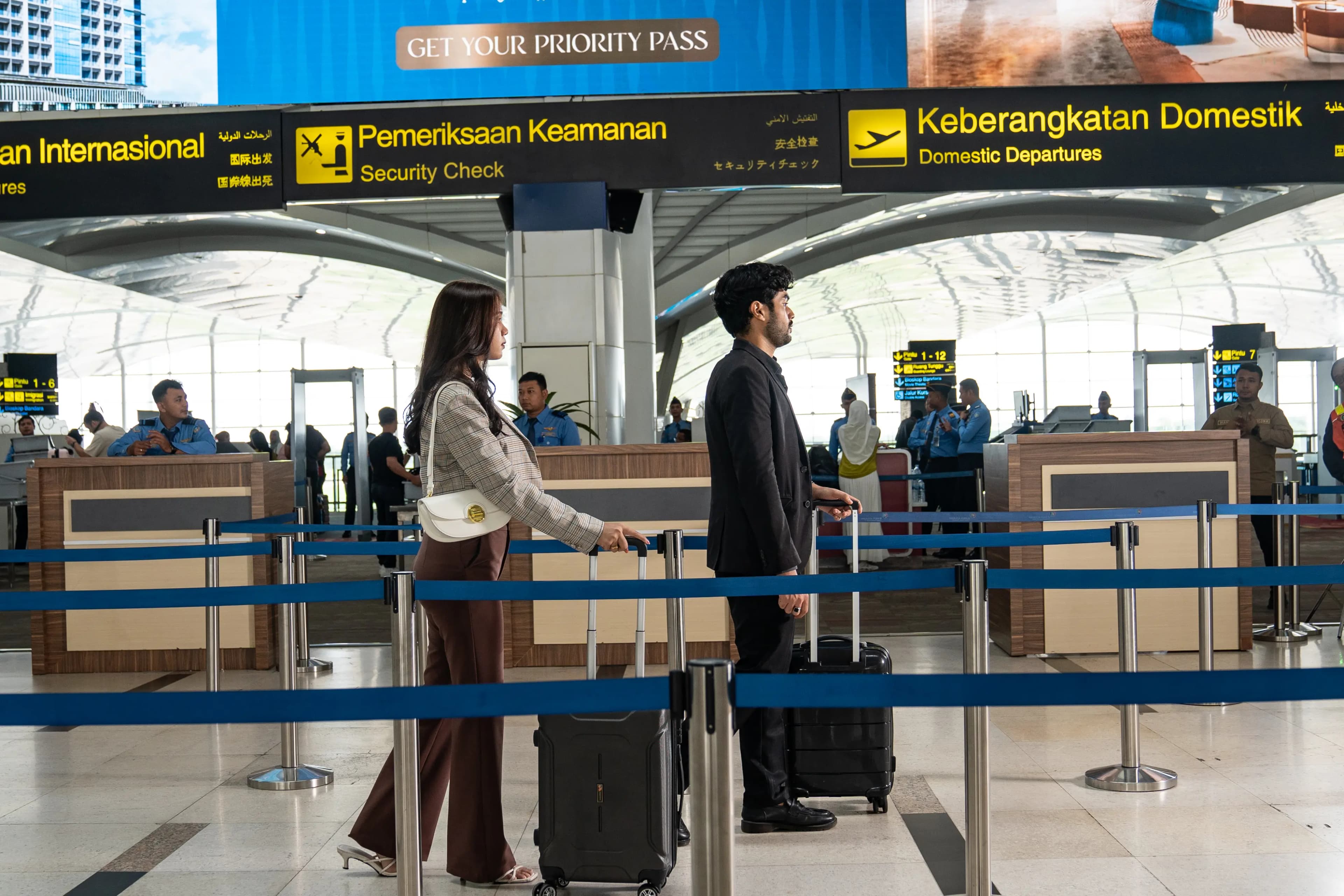
Prepare for a smoother journey
Security & Immigration made clearer
A concise guide to security, immigration, and travel documents.
Security Screening
Prepare Documents
Prepare your boarding pass (physical or digital) and ID/passport before entering the screening area.
Place Items in Tray
Remove laptops, tablets, and large electronics from your bag. Place in a separate tray along with jackets, belts, and watches.
X-Ray Scan
Bags and belongings pass through the X-ray machine. You walk through a metal detector or body scanner.
Manual Check (if required)
Officers may conduct a manual check if the X-ray indicates an issue. Cooperate with security staff.
Proceed to Gate
Collect your belongings and proceed to the departure gate shown on your boarding pass.
Baggage Rules
Allowed
Prohibited
Liquid Rule (3-1-1)
Each liquid, gel, and aerosol must be in a container ≤100ml. All containers placed in 1 clear plastic bag (max. 1 liter), 1 bag per passenger.
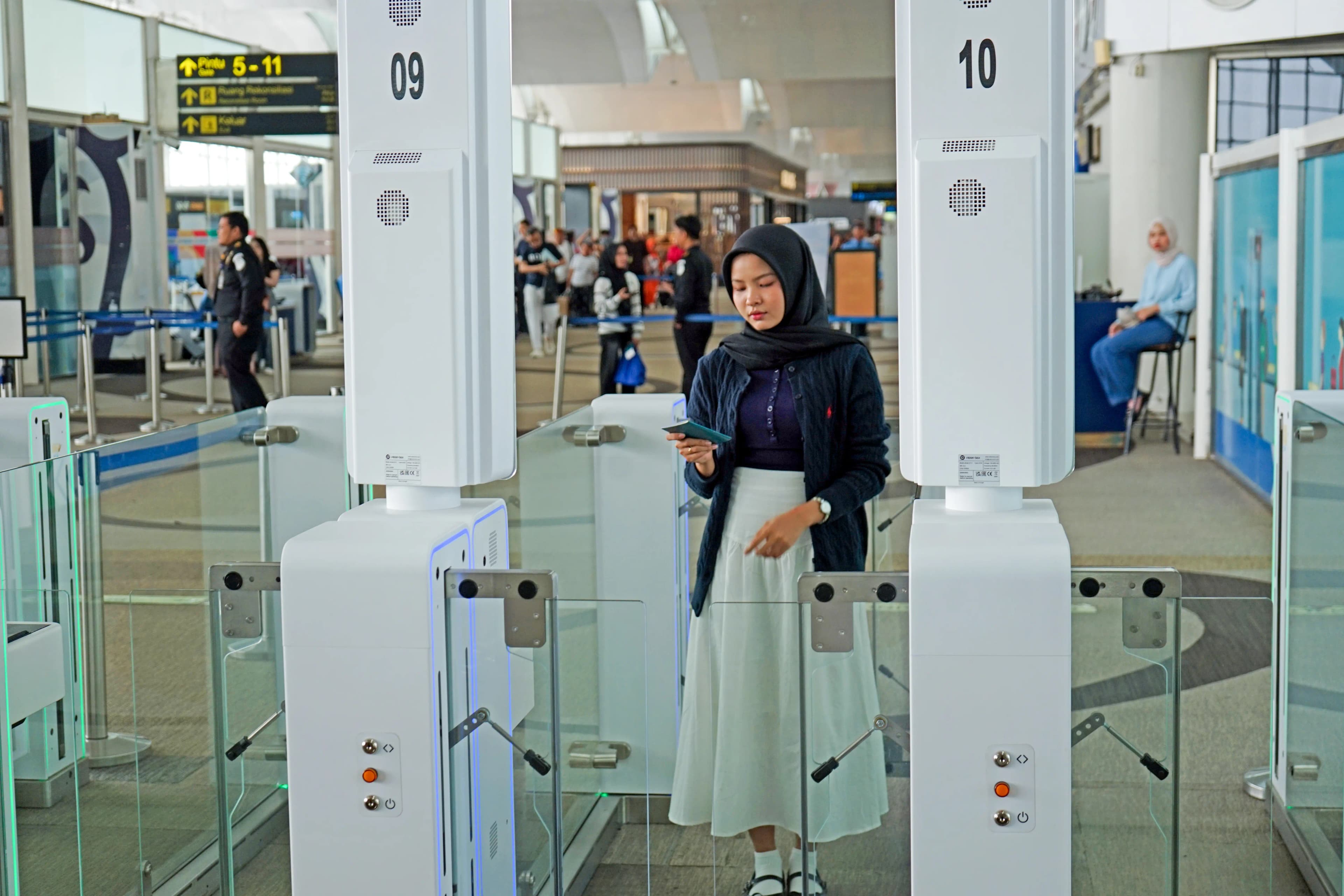 Passport Control
Immigration
Required Documents
All Indonesia Arrival Card
Can be completed digitally from 3 days before arrival. This form combines Immigration, Customs, Health, and Quarantine in one online form. Access it at allindonesia.imigrasi.go.id
Autogate
Kualanamu Airport has 30 autogate units officially launched in June 2025. The system uses biometric technology (face + fingerprint) to speed up immigration without queuing at officer counters.
Who Can Use
- Indonesian citizens with electronic & non-electronic passports
- Foreign nationals with electronic passport + e-VoA / eVisa Indonesia
Cannot Use
- Children under 14 years old
- Foreign nationals without electronic passport or e-VoA
How to Use Autogate
Open passport cover, place the biodata page face-up on the scan area.
Wait for the green light and the gate to open.
Enter the booth, face the camera. Remove hats, masks, or face-covering accessories.
Place your fingerprint on the biometric sensor as instructed on screen.
Gate opens — continue your journey.
Tips
Arrive at least 2 hours (domestic) or 3 hours (international) before departure.
Complete the All Indonesia Arrival Card digitally before landing for international flights.
Ensure your passport is valid for at least 6 months from your departure date.
Children under 14 cannot use the autogate — use the officer lane.
Use the autogate for faster immigration (30 units available at KNO).
All liquids must be in containers ≤100ml and placed in 1 clear plastic bag.